
Tableau Desktop Public: Free Data Visualization Tool
By Luca Liu5 min read
Tableau Desktop Public: Free Data Visualization Tool
Ahead of Tableau Conference 2024, Tableau has made a groundbreaking announcement: the transition of Tableau Public Desktop into the Tableau Desktop Public Edition, now available for free. This new version is equipped with most of the powerful features previously found only in Tableau Desktop Professional, minus the ability to connect to enterprise databases.
Key Features
- Connectivity: Users can link to multiple data sources, including Excel spreadsheets, CSV files, and cloud-based platforms.
- Ease of Use: With its drag-and-drop functionality, Tableau Public makes it incredibly easy to create sophisticated charts, graphs, and maps.
- Customization: A wide array of customization options are available, allowing users to tailor their visualizations to their specific needs.
- Collaboration: Tableau Public facilitates sharing and collaboration, enabling users to publish their work online and engage with a community of data enthusiasts.
Accessibility
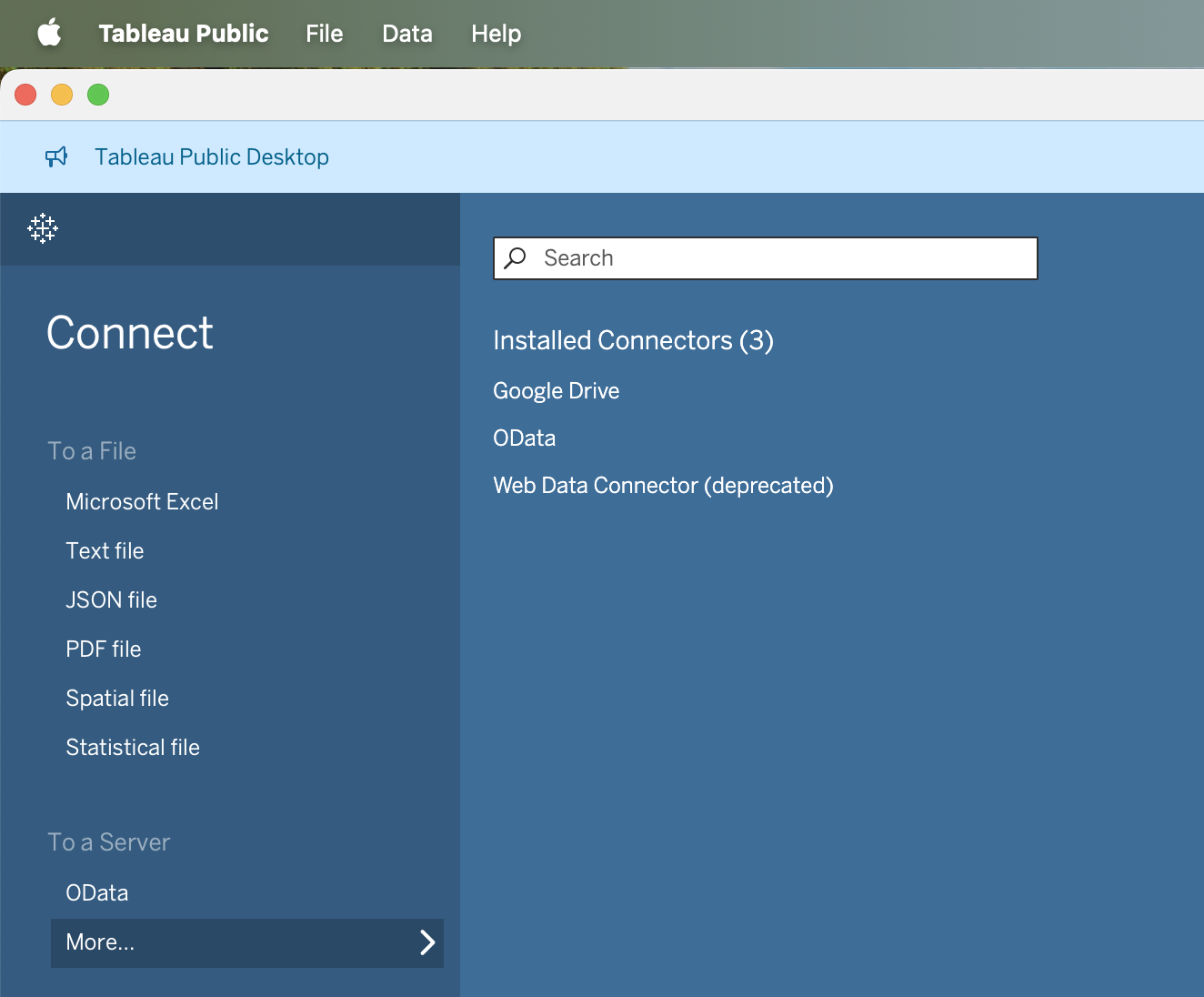
The Tableau Desktop Public Edition supports local file usage, automatic saving, and cloud sharing options for non-commercial use, such as Google Drive. This makes it a versatile tool for data enthusiasts, educators, and professionals looking to enhance their data visualization skills without financial barriers.
How to Get Started
To experience the full potential of Tableau Desktop Public Edition, download it from the **official Tableau website**. The installation is simple, and you'll be prompted to fill out some personal information for the initial download.

Conclusion
Tableau's decision to offer a free, robust data visualization tool is a significant step towards democratizing data analysis. Tableau Desktop Public Edition empowers users to create, share, and learn from a vast array of data visualizations, making it an invaluable resource for anyone interested in data analytics. Don't miss this opportunity—download it today and start exploring the endless possibilities of data visualization!
Related Articles
- Using Python to Retrieve Data Through Tableau REST API
- DP-750: Databricks Asset Bundles, Git, and ALM Explained and with Real Exam Questions
- DP-750: Slowly Changing Dimensions and Data Quality Expectations Explained and with Real Exam Questions
- DP-750: Delta Lake Performance Optimization Explained and with Real Exam Questions
- DP-750: Delta Lake Table Operations Explained and with Real Exam Questions
Add Comments
Comments
Loading comments...